Until now, Starlet could tell you almost everything about a clip: how many views it got, who posted it, where it was posted, and of course, what is considered the most important, how people reacted to it.
What we couldn't tell you automatically was which exact stream it came from.
You could watch the clip and probably figure it out yourself.
But wouldn't it be better if Starlet could just tell you:
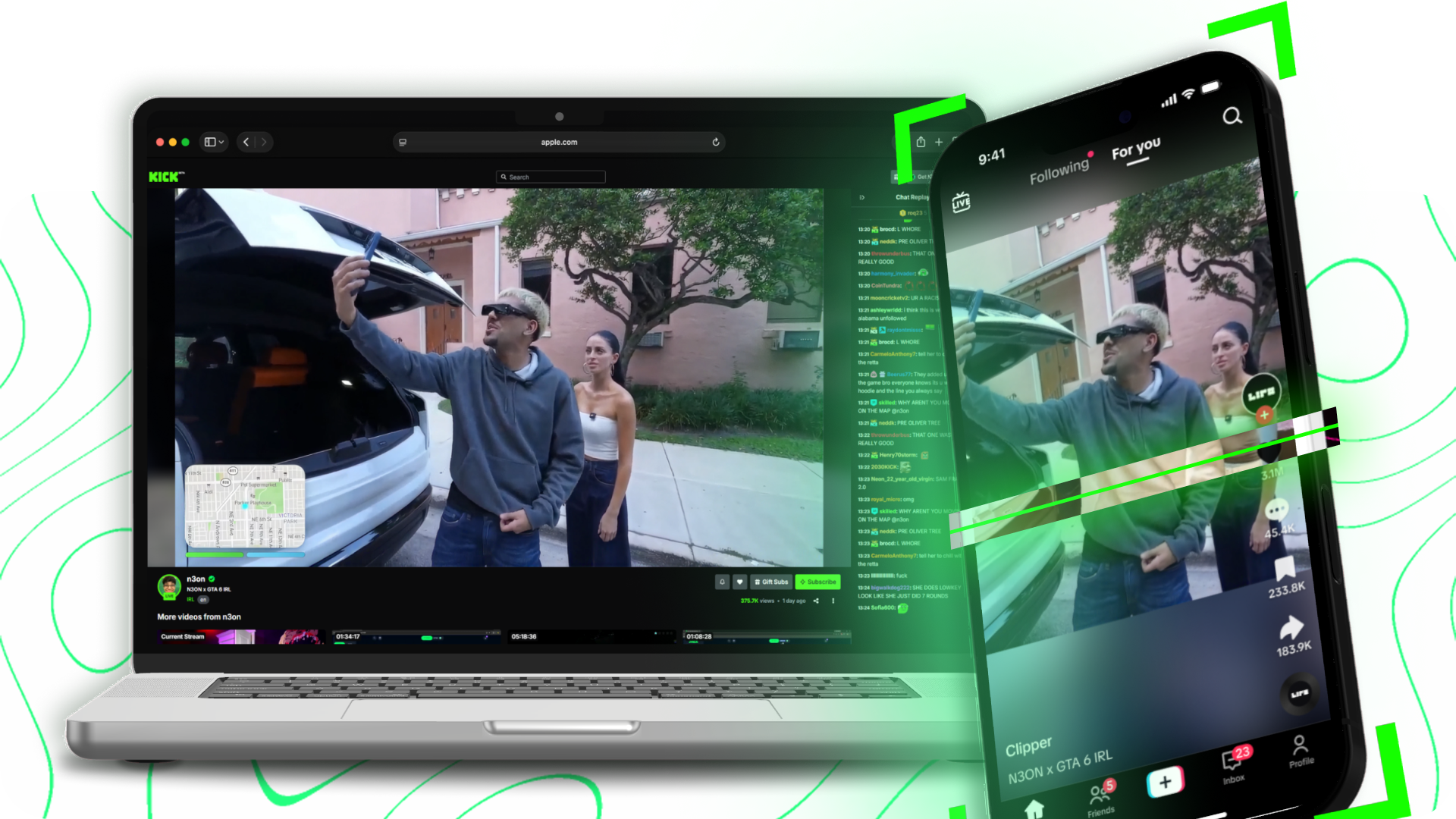
This clip came from the "N3on X Arman Tsarukyan" stream last night.
That's what Streams changes.
This week at Starlet, we're introducing Streams, Starlet can now automatically connect clips back to the livestream they originated from. That means instead of looking at dozens of TikTok's individually trying to figure out which stream they came from, you can see the impact of the stream that produced them.
Understanding what worked on stream
A stream doesn't stop performing when you turn off the TVU (or your LiveU, or your IRLToolkit, or your OBS–ok, you get it..)
Your Twitch/Kick stream might reach thousands of people live, then reach millions more as its moments spread across TikTok, we've seen this for ourselves millions of times.
But now, Starlet can now bring that activity back together so you can understand what happened after the broadcast ended.
For each stream, Starlet can show you:
- How far the stream actually travelled. See how many clips and views across TikTok, Instagram Reels, YouTube Shorts and X the stream generated.
- How did audiences on TikTok react to the stream? Understand the conversation and sentiment around a stream. How did people react? Should we invite that guest back? What did audiences think of N3on and Nitro Camden?
- What people cared about. Find the moments viewers clipped the most and the clips that travelled furthest.
- How it compared to your other streams. See which streams generated the most attention across your campaign.
- What to do next. Understand which guests, formats, and moments resonated so you can make better decisions for your next stream.
This can answer questions that were previously difficult to confidently measure. Did viewers care about a particular guest? Was a stream bigger on TikTok than it was live? (which is usually true.) Which part of a four-hour Kick stream actually broke through to the
masses?
Streams is available through Starlet on Discord. We're starting with livestreams, with support for podcast episodes and YouTube videos shortly after.
Starlet creators are already sharing their excitement about Streams:
Starlet continually pushes the boundaries of what’s possible with clipping software with this new feature - we can directly show collaborations and brand partnerships direct numbers of performance. That’s immediate results and immediate impact. It’s an absolute game changer for our team.
Starlet has absolutely knocked this out of the park. We’ve already started strategizing future streams around the Streams feature, it brings a whole new dimension to understanding what people want and actually delivering on it.
We're really excited for this and we hope Streams can be used to power a whole new level of creativity. But we're also aware we might've just made clip farming worse.
We plan to bring this into the new Starlet website and when the time is right, we'll talk more about that as well.
Get your content in front of hundreds of clippers on Starlet and turn your best moments into short-form distribution and with the power of this new feature, learn more about what's going viral from your livestreams.